Post installation information.
Your user manual, your COC, your ROI and your Fronius upgraded 10 year warranty can all be found in your portal.
Click on the link to get into the portal.
Select Solar from the left hand menu
Click on your solar tile
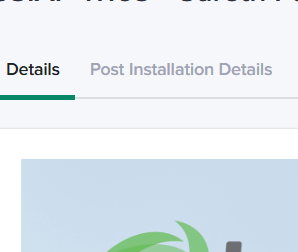
Click on Post install details
and you can find your information

Your warranties can be found in your product app for:
Tesla
GivEnergy
Fronius
If you need any help then please reach out